Supin Is Live on the App Store: Your Supplement Routine, Organised
Supin, Supplement Tracker AI on the App Store, is now on iPhone. Here's what it does, who it's for and how to set up your routine in a few minutes.
4 min read
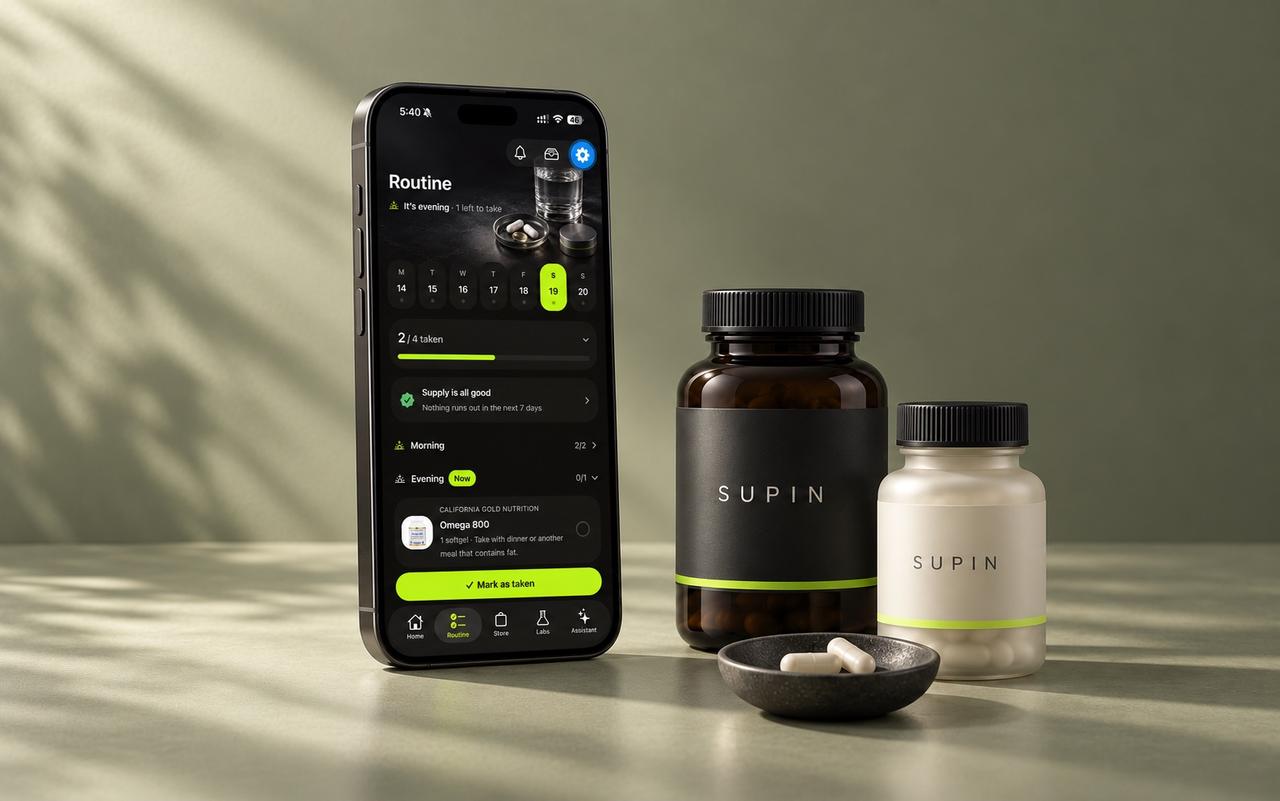
Supin (App Store name: Supplement Tracker AI) is now live on the App Store for iPhone. It builds a daily supplement routine around your goals and the bottles you already own, explains why every product is in it, reminds you what to take and counts what's left. To start, download it, answer a short questionnaire and scan your shelf.
What is Supin?
Supin is an iPhone app for people who take supplements and want one place to keep track of what they take, why, and when[1]. It doesn't make or sell supplements. It helps you organise the ones you choose.
If you'd like the full tour, read What is Supin?. Here is the short version.
What does Supin do?
- Builds your routine from your goals, diet and health flags, and gives the reason each product is in it.
- Scans bottles: photograph a label and the product goes onto your shelf. You can scan bottle after bottle while earlier ones are identified in the background.
- Scores every product from 0 to 100 for how well it fits you, with the reasons behind each part.
- Tracks your day: tick off doses, see the week and add up your daily nutrient totals from the labels.
- Counts what's left in each bottle and gives you a heads-up about five days before it runs out.
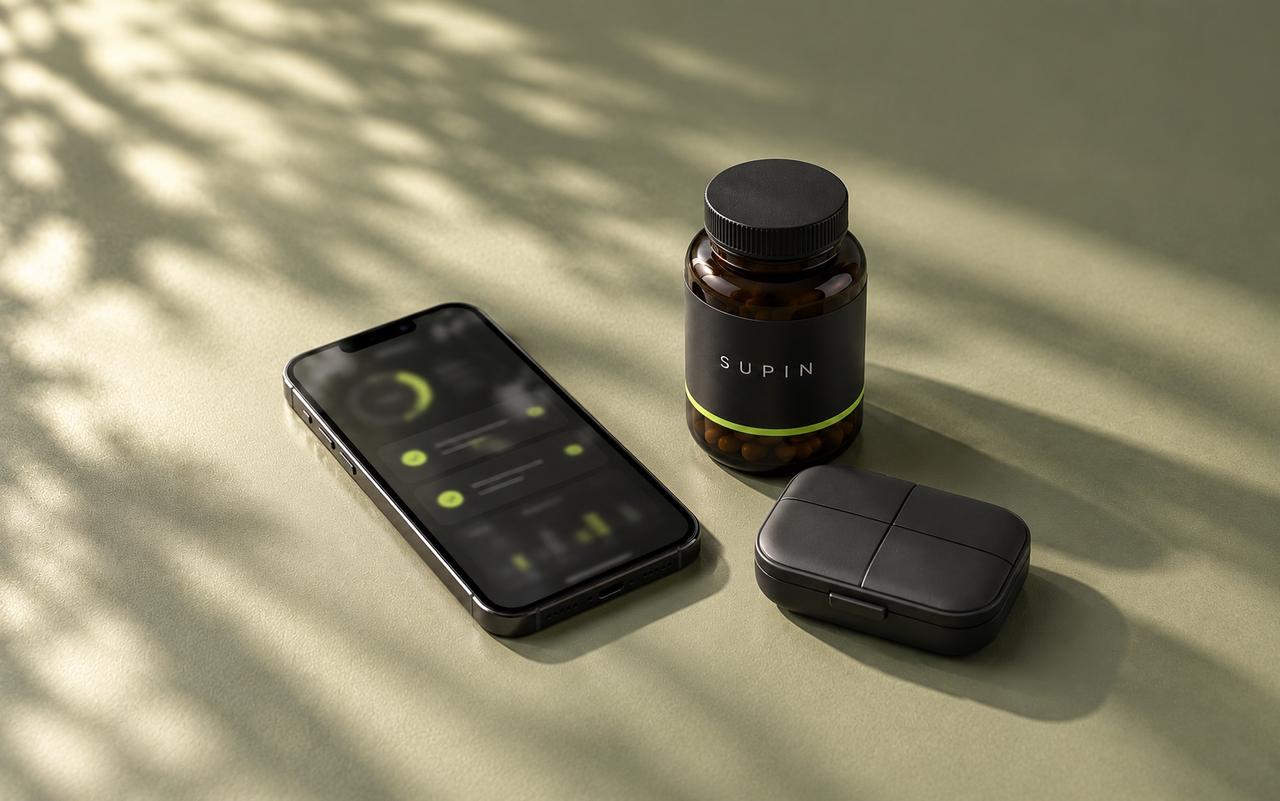
- Guides your pillbox, bottle by bottle, for the next seven days.
- Reads your lab results from a PDF or photo and follows each marker against your lab's own range.
- Answers questions with an AI assistant that knows your routine, once you allow it.
Who is Supin for?
Beginners who want to know what each product is for, people with a full cupboard who want one plan for it all, anyone with rules to respect (pregnancy, medication, allergies, a diet), and people who want their lab results next to their routine.
How do I get started with Supin?
- Download Supplement Tracker AI from the App Store and sign up with Apple or email.
- Answer the questionnaire. Pick up to five goals, such as energy, sleep, focus or gut. Then add your age range, diet and what you already take. Only the follow-up questions that fit your goals appear.
- Add your health flags. Pregnancy, prescription medication, a chronic condition or allergies mean unsuitable products are left out or flagged for a pharmacist.
- Choose how full your routine is: Core (3–4 products), Balanced (5–7) or Complete (8–10). Products you already own count toward it.
- Scan what you own. Your routine takes your shelf into account, and it can be rebuilt whenever your answers or shelf change.
- Set your reminders for morning, noon, evening and bedtime.
How does Supin handle my data?
No ads, no tracking across other apps and no selling your data. Before any AI feature runs, Supin shows what will be sent, who receives it and why. Choose "Not now" and the AI features stay off while the rest of the app keeps working[2].
Lab report files are read once to pull out the values, then discarded. Only the values you confirm are kept. You can delete your account and everything in it from Settings at any time.
How Supin helps
- A routine built from your goals and your shelf, with the reasoning for every product.
- Reminders for each part of the day that are skipped when you've already marked everything taken.
- Pills-left counts and a running-low heads-up before a bottle runs out.
- Lab results compared with the range printed on your own report and followed over time.
Supin is free to download on the App Store. A subscription unlocks the app, with a free trial for eligible new subscribers.
FAQ
Yes. Supin is the brand. Supplement Tracker AI is the name it uses on the App Store[1].
The download is free and the app is a subscription, with monthly and yearly plans. Eligible new subscribers get a free trial, and the App Store shows the price and trial length before you confirm.
No. Amounts follow the product labels, and Supin never sets doses from your lab values. Ask your doctor or pharmacist about amounts.
No. Supin doesn't make, sell or ship supplements. It helps you organise the ones you choose.
Supin is an iPhone app.
Sources
Supin offers educational guidance, not medical advice. Check with your doctor or pharmacist before starting or changing supplements, especially if you take medication, are pregnant or have a health condition.